

Radiant toolkits
Windows tuning
and game audio.
Pick a job below. See what you can adjust, what requires a membership, and where to review the result.
One Click and Windows tuning
Choose hardware-compatible changes together, adjust individual tweaks, or restore saved originals.
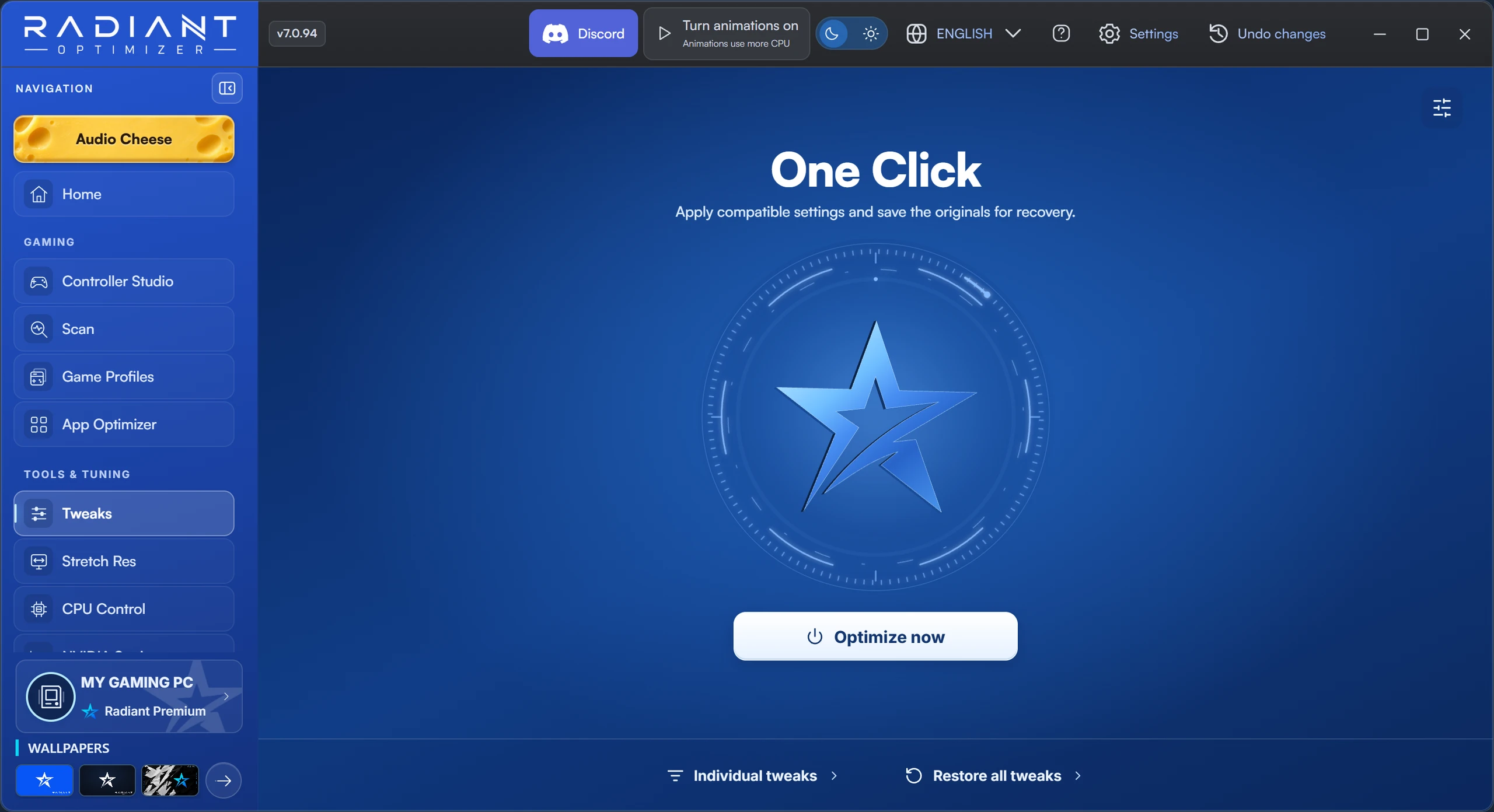
- Windows tweaksFree + Premium
Performance, latency and smoothness settings, with supported changes and Windows guides.
- CPU controlPremium
Inspect your CPU topology and try a custom core assignment for a running game.
- NVIDIA settingsPremium
Read your driver settings, review proposed changes and restore saved originals.
- Power plansPremium
Choose and manage supported power plans for the way you use your PC.
Audio Cheese
Shape the game mix in your headset and choose what OBS receives. The preview includes Warzone and Modern Warfare 4.
 Browse the audio controls ↗
- Game-specific presets
Start with a mix such as Ranger. Select a channel format your setup supports.
- Listening controls
Balance movement, gunfire and ambience on supported presets. Adjust headphone EQ and loudness to suit your listening device.
- Stream audio
Configure a separate clean game feed for OBS while keeping the tuned mix in your headphones.
- Setup and repair
Select your playback device and driver, adjust the mixer buffer, or repair the route and restore your previous audio.
Game and app profiles
Review graphics, configuration and startup settings for a supported game or app.
- Game profilesPremium
Graphics, frame caps and supported configuration settings, with backups for supported edits.
- App optimizerPremium
Review startup behavior, background activity and app preferences. Some profiles walk you through the app’s own settings.
- Session cleanupPremium
Choose optional apps to close before playing. Keep your voice chat, downloads and other essentials.
Connection testing
Measure speed and latency while your connection is busy. Review routes and compare network settings on your own PC.
- Speed testFree
Check download, upload and latency to understand your connection right now.
- Loaded latencyFree
See how delay changes when your connection is busy. Investigate the difference between speed and responsiveness.
- Connection routePremium
Trace a destination and inspect the hops that respond along the way.
Benchmarks and live readings
Review your personal best and the individual PC test readings. Monitor system activity to investigate changes between runs.
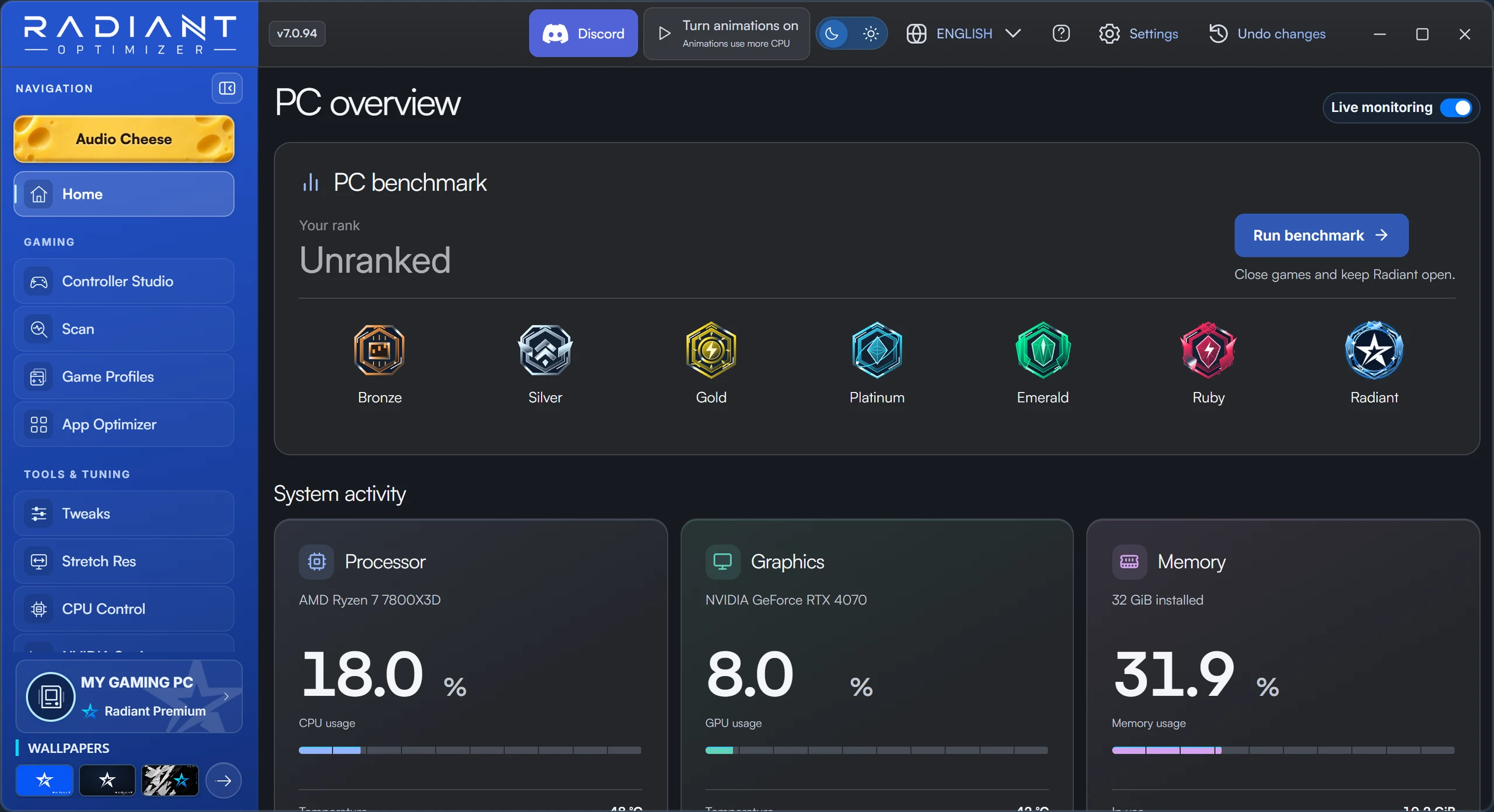
- Performance overlayPremium
Follow FPS, frame times and supported hardware readings while you play.
- Process monitorPremium
Sort live CPU, memory and disk activity to see which apps are using your resources.
- Storage benchmarkPremium
Measure sequential and random reads, then compare saved runs.
- GPU memory checkPremium
Run a bounded GPU-memory workload and check for errors in the tested sample.
Restore and recovery
Review saved settings and choose the recovery tools that fit the change you made.
- PC scanFree
Inspect your setup and review findings before deciding what to change.
- System RestoreFree
Access restore-point tools and recovery options. Supported setting changes also have their own undo paths.
- Input & display testsFree + Premium
Check clicks, keys, reaction, aim and dead pixels. Premium adds more tests and Stretch Res for supported display modes.
- Controller StudioFree
Check sticks, triggers and buttons. Explore tuning for supported controllers.
- UninstallerPremium
Review installed apps and supported removal options. Recovery depends on what you remove.
Choose your membership
Optimizer Premium covers PC tools. Audio Cheese covers game audio. The Radiant Bundle unlocks both on one PC.