

RADIANT GUIDES / GAMING PC SETUP
Gaming PC
Setup guide.
Game stutters or a slow Windows PC? Check background activity, review your settings and compare one change at a time.
Read the guide ↓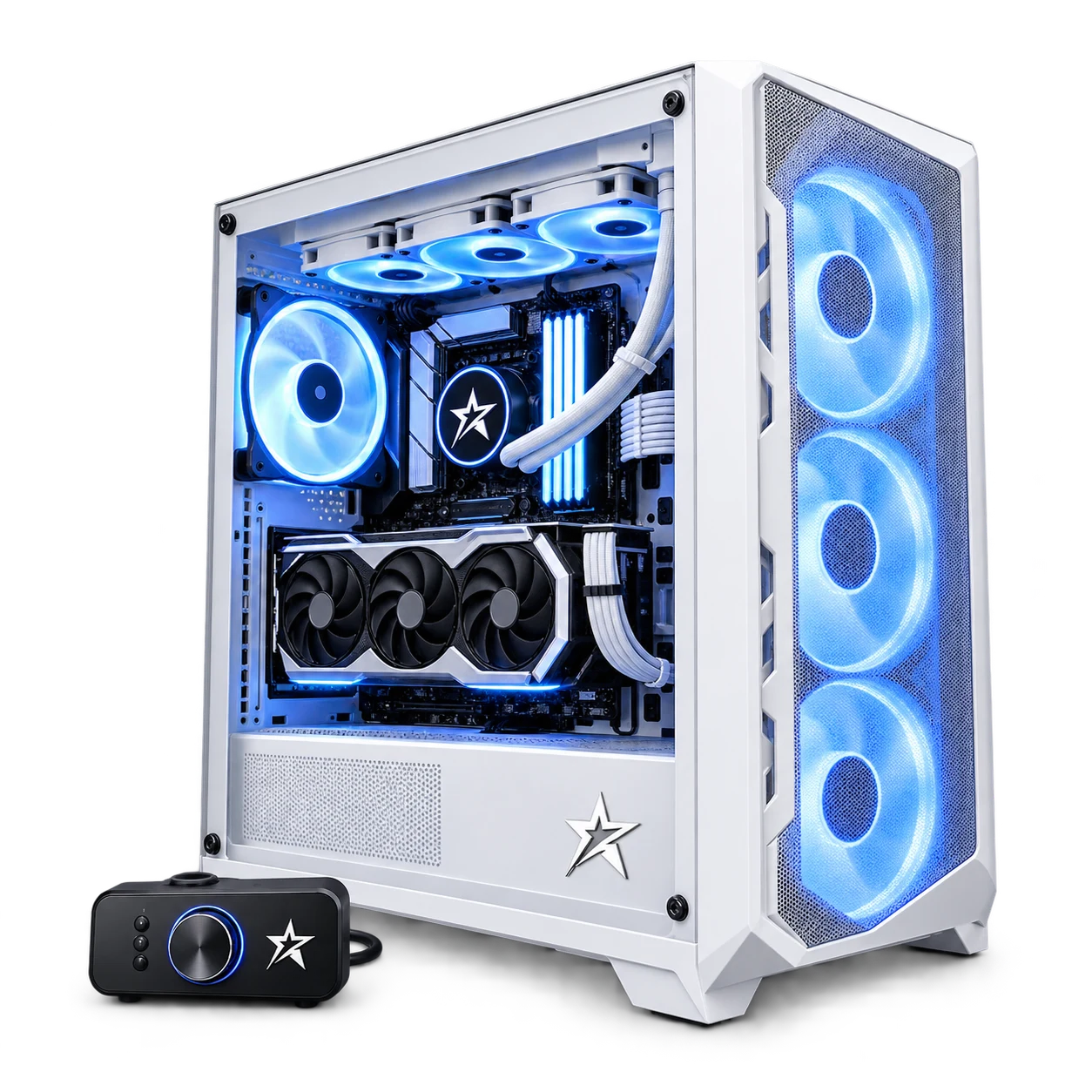
01Notice what happens+
Does the picture hitch? Does your character jump back while the camera stays smooth? Is the whole desktop slow? Write down the game, what you were doing and whether another app was running. These observations give your next check a purpose.
02Check the basics+
Review Windows updates, storage space and startup apps. Microsoft lists these among the practical places to investigate a slow PC. Close unneeded apps normally and save your work first. Microsoft’s PC performance guide explains the built-in options.
03Pick the right tool+
- Dashboard: inspect your hardware and current activity.
- Process monitor: investigate apps using resources.
- PC scan: read the findings and review available settings.
- Bufferbloat: check latency while the connection is busy.
Availability varies by plan. An observation is a clue, not proof that one component is faulty.
04Test your change+
Read what it does and how to undo it. Try the same game situation again. Keep changes that help your own setup; avoid treating someone else’s score as a promise for yours.
PUT IT INTO PRACTICE
Get to know your PC.
Explore Radiant Free before choosing Premium.